Vantum.
Built lean.
A custom Puppy Linux variant built from Ubuntu Jammy packages. No tray, no panel, no clutter, just a fast, low-footprint desktop for hardware everyone else gave up on.
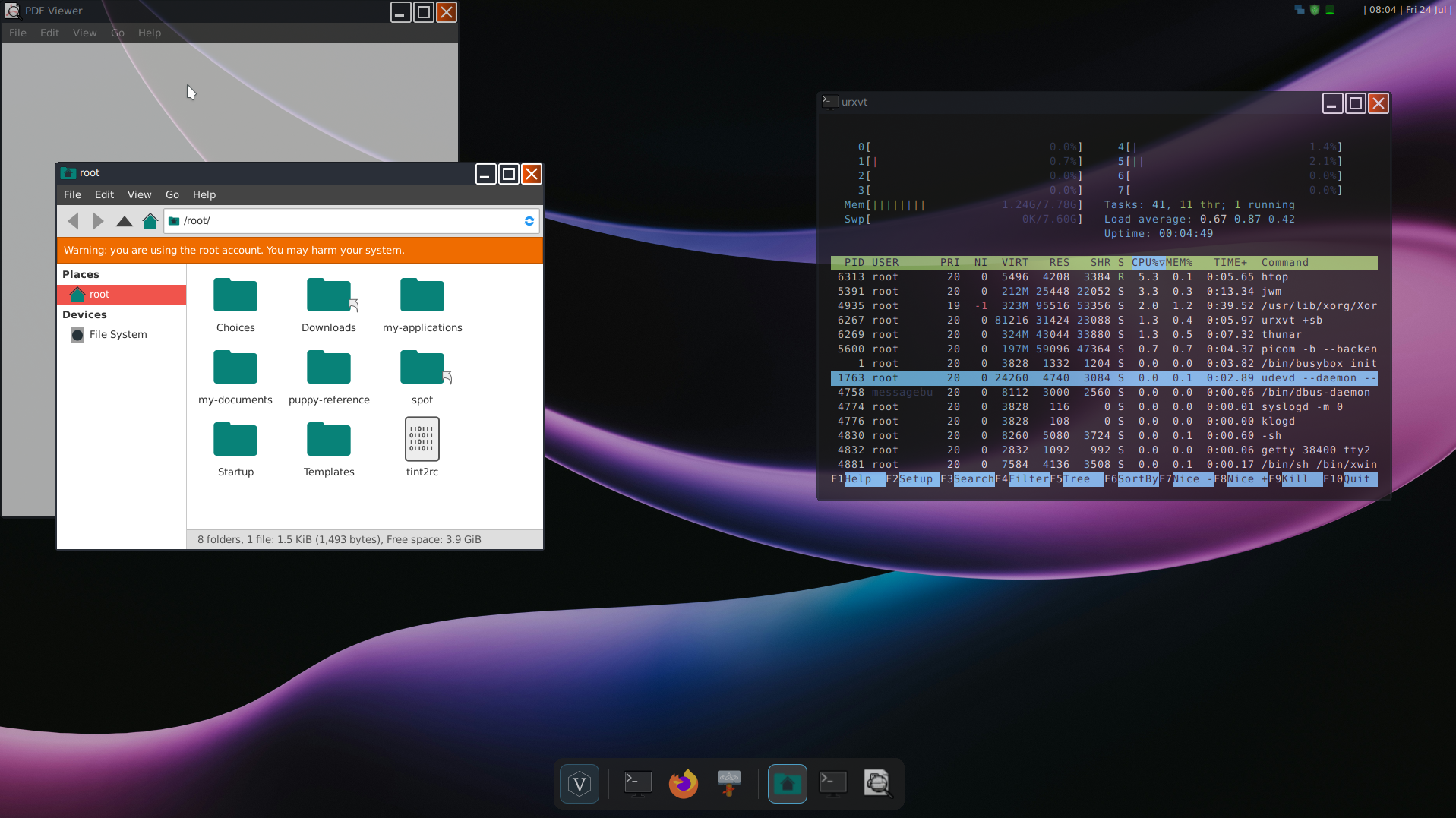
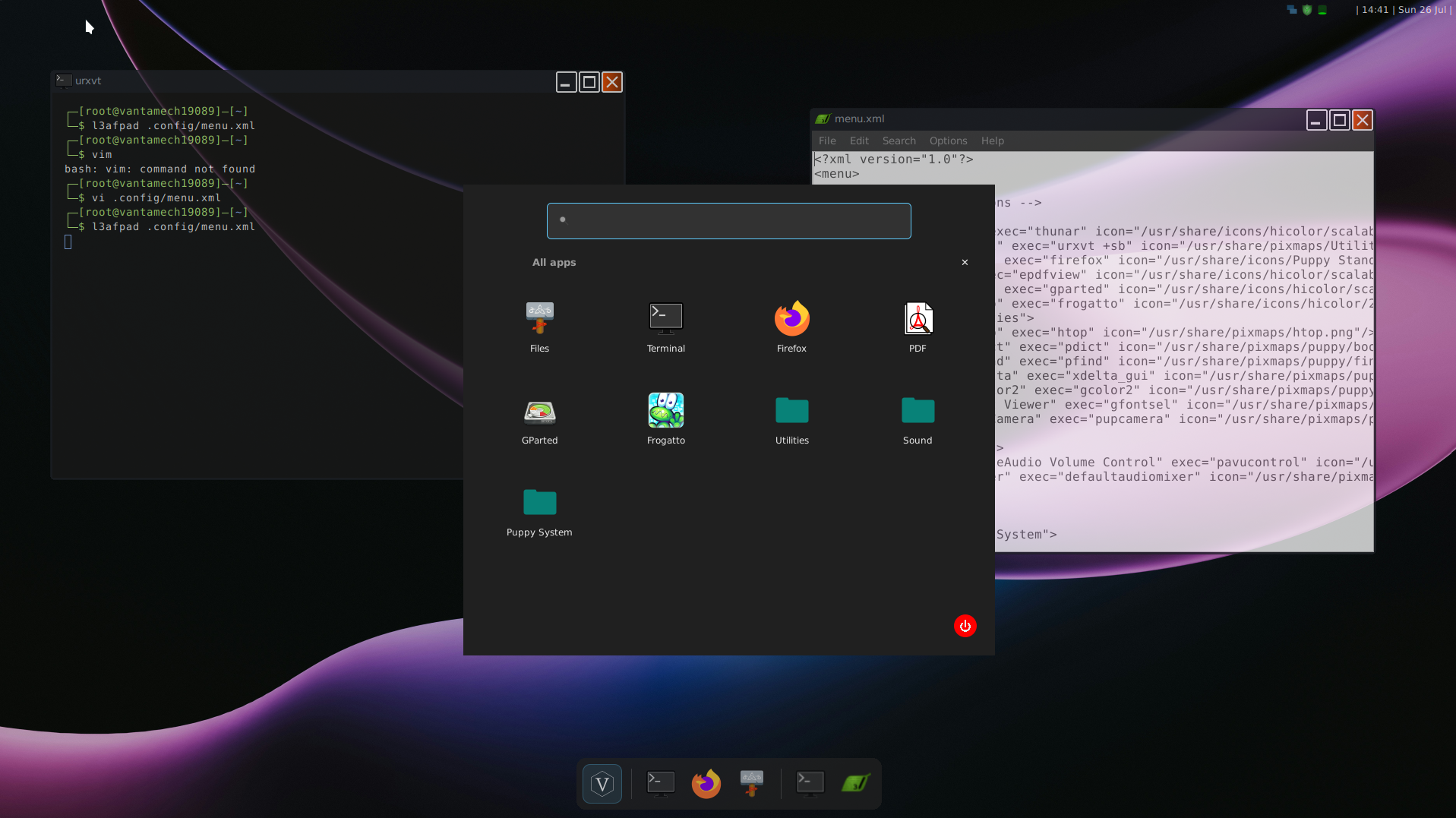
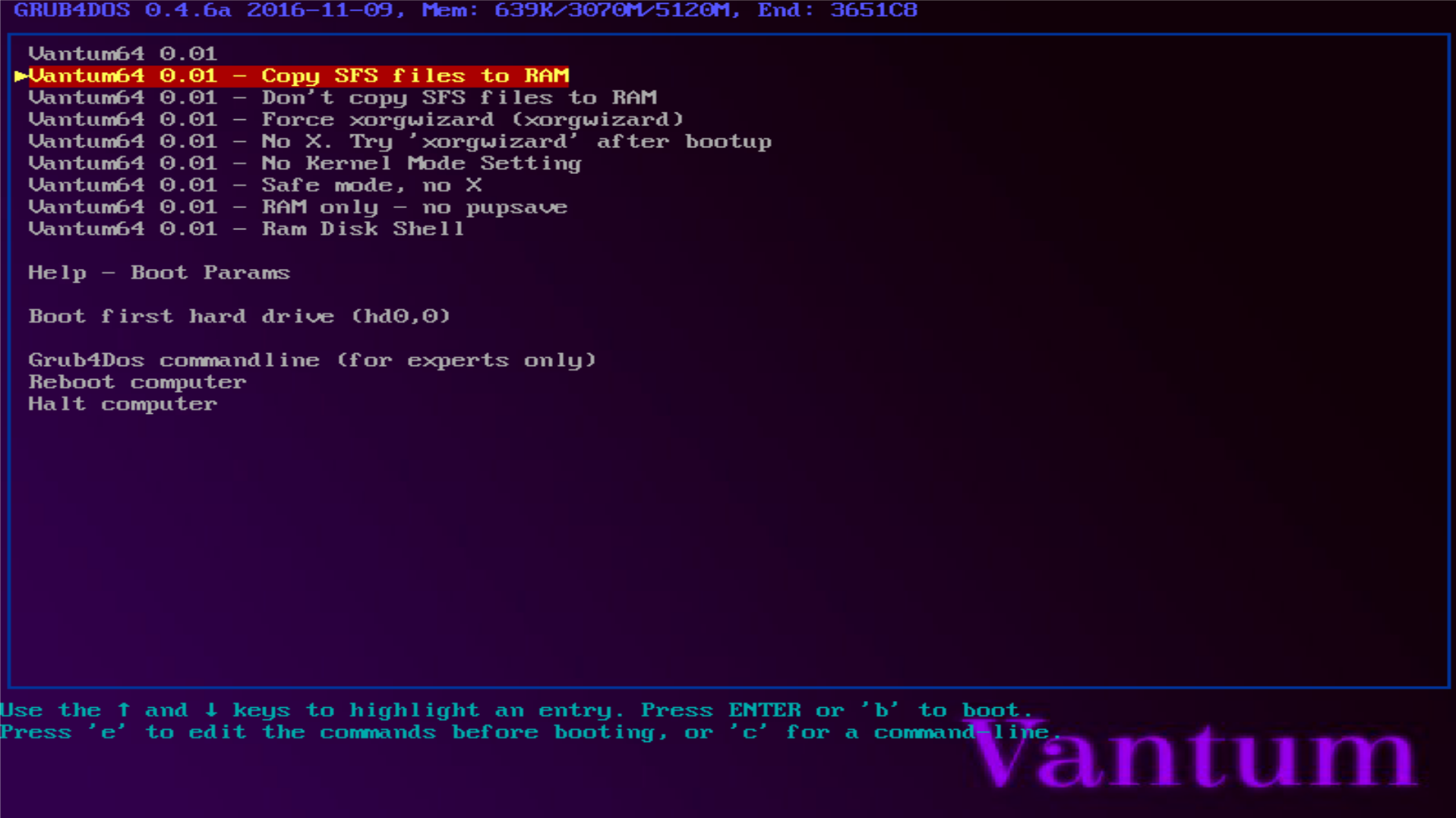
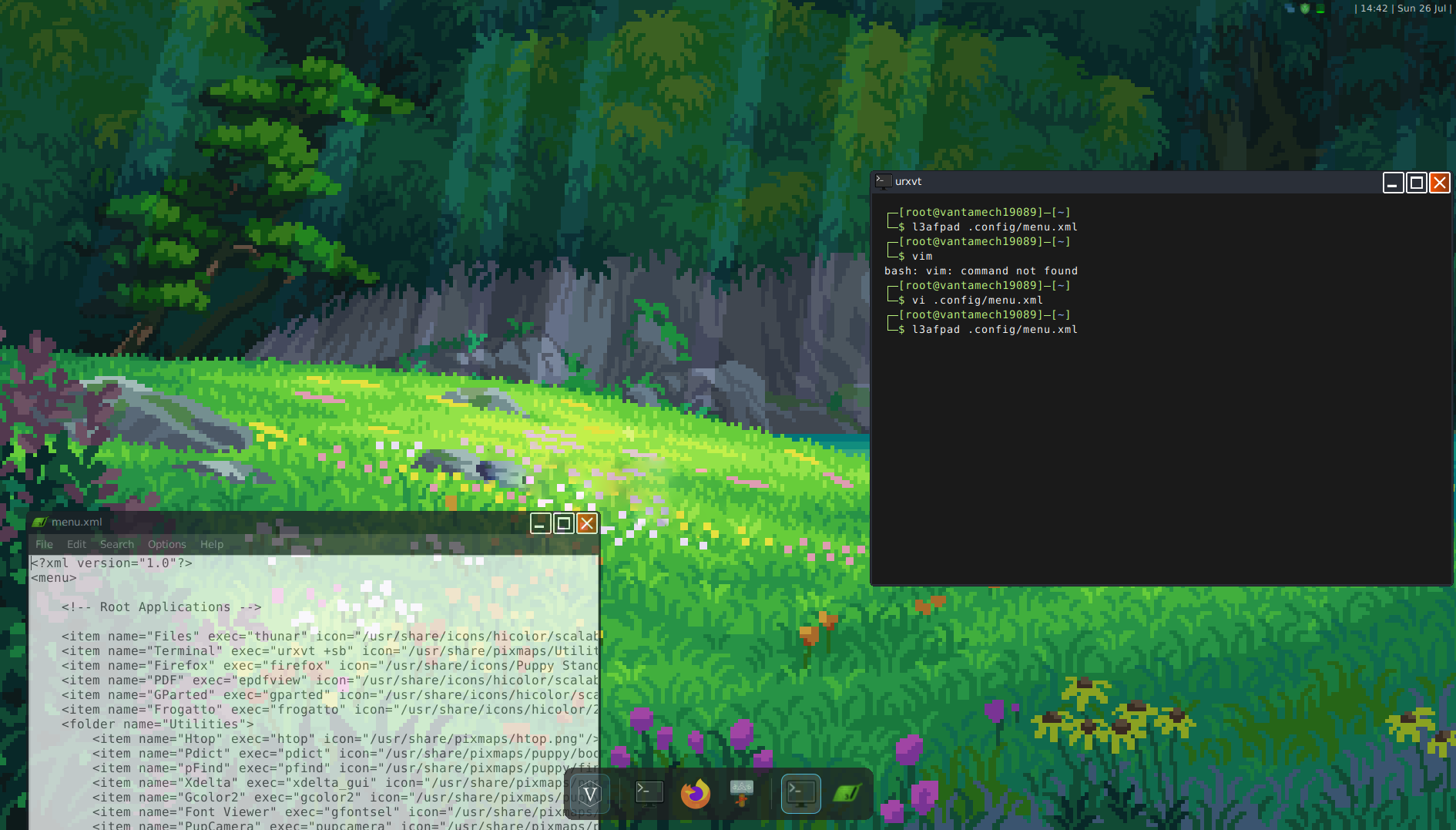
JWM, no tray
A tuned JWM setup with the traditional panel and tray removed entirely, just a themed desktop and a real terminal, nothing sitting idle in the background.
Vantyl and Vantask
A GTK3 application launcher and a taskbar written from scratch for Vantum in python, built to replace the taskbar rather than imitate it. Still under active development.
Ubuntu Jammy packages
Binary compatibility with Ubuntu 22.04 LTS — install most Ubuntu software without friction, through a package manager that's been fixed to actually work.
A curated, minimal app set
Thunar, urxvt, epdfview, galculator, GParted. System necessities
are just shell scripts in gtk-dialog
Thunar
File manager. Handles mounting, browsing, and basic archive extraction without pulling in a full desktop stack.
urxvt
The default terminal. Lightweight, customized for ease of use.
epdfview
Lightweight PDF viewer, GTK-based. No Motif, no dated toolkit look.
Firefox Portable
Modern enough to handle most websites, ligthweight enough to feel fast
galculator
Basic and scientific calculator, GTK, small footprint.
GParted
Partition editor. GTK-only, no GNOME desktop dependency despite the name.
git clone https://github.com/Hammad-hab/Vantum
Why another Puppy fork?
Most Puppy variants keep the traditional desktop shell. Vantum rebuilds the shell itself — no tray, a custom launcher, and a package manager that's actually been debugged end to end.
Is it stable?
It's a 0.01 Beta. Core system and package management are solid; the desktop shell (Vantask, Conky) still has open bugs listed in the roadmap above.
What hardware does it target?
Old, low-spec machines — the kind most modern distros have quietly stopped supporting well.
Does it save my files between boots?
Not automatically yet — that's the single biggest item left before 1.0. See the roadmap.
Built as a learning project
Vantum is a custom Puppy Linux build assembled using Woof-CE against Ubuntu Jammy packages. The entire build process (including every failure and fix) is documented in the repository. This is a 0.01 Beta: persistence is still being built, and a couple of desktop-shell bugs are open. Not a finished product. A thing that's being made, in the open.
Read the debug log